
Jump Square
Category
Academic
Period
May 2025 – July 2025
Roles
Gameplay Programmer
Tools
Unity
C#
Claude
01. Context
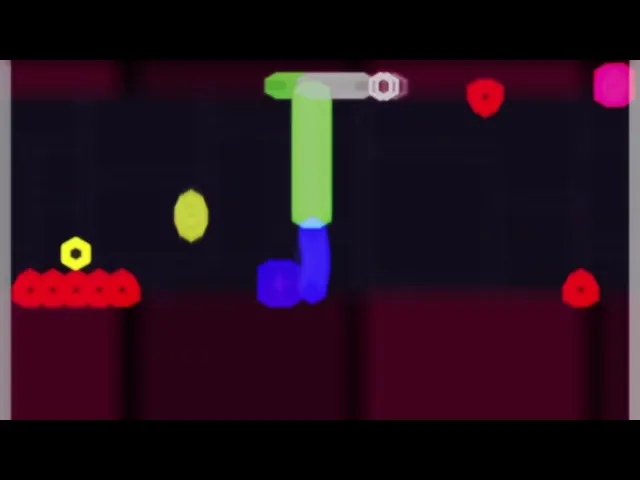
Jump Square is a rhythm-inspired 2D platformer developed for the Thematic Project: Desktop Game course at UCS. The challenge: deliver a playable game in about a month and a half, in a team of four.
Inspired by Geometry Dash, the player must time precise jumps to get through obstacle-filled levels using a single input. With so little time, we built the game around one mechanic: simple, challenging and achievable.
02. My Role & Responsibilities
I was the team’s Gameplay Programmer, and the only programmer. Laureen, João and William created the visual and audio assets and designed the 4 levels.
Programming | Unity
Programmed the game in Unity and C#, my first project with both, from prototype to final build.
Built the prototype: movement, jump and collision.
Implemented the core systems: automatic lateral movement, jump, gravity, obstacles, game over and restart, level completion, and pause menu.
Implemented the double jump through special orbs placed in the levels, keeping a single input for the player.
Built prefabs for obstacles and level elements, expanding the game gradually.
Used AI (Claude) to generate base code, then adapted and debugged it to fit the game.
Gameplay & Game Feel
Tuned character movement and jump response to make the controls feel fluid and precise.
Documentation
Contributed to the team’s One-page GDD.
03. Design Challenges & Solutions
The main challenge was time: about a month and a half, a team of four, and a programmer with no prior experience in Unity or C#.
To deal with it, we:
Chose a single input: jumping. A simple, focused scope that we could actually finish, with the double jump added through special orbs rather than extra controls.
Worked in stages: we started with a basic prototype (movement, jump, collision) and refined it into the final version, with no rigid schedule.
Used AI for base code: this sped up development despite the learning curve, with the code adapted and fixed afterward.
Some things didn’t go as planned: visual effects were cut for lack of time, and asset production ended in a last-minute rush. Looking back, we would organize the Unity project structure and prefabs better from the start to avoid rework, and plan asset production earlier.
04. Results & Learnings
Jump Square was my first hands-on experience with Unity and C#. It also taught me how much rework a loosely organized project structure causes, and how hard it is to balance difficulty: at the showcase, I watched friends get frustrated with the challenge.
The showcase went very well. Many players tried the game and got hooked, and I was praised for how fluid the mechanics and character movement felt. The game reached its goal, and we plan to keep refining it and add new levels.
Personally, it was great to show family and friends one of my first playable productions. It was the start of my journey in game development.
